Elements for RPG Maker
A downloadable tool
Elements is actively developed and regularly updated. Some features may still be experimental, and occasional bugs or unfinished areas may occur.


What Is Elements?
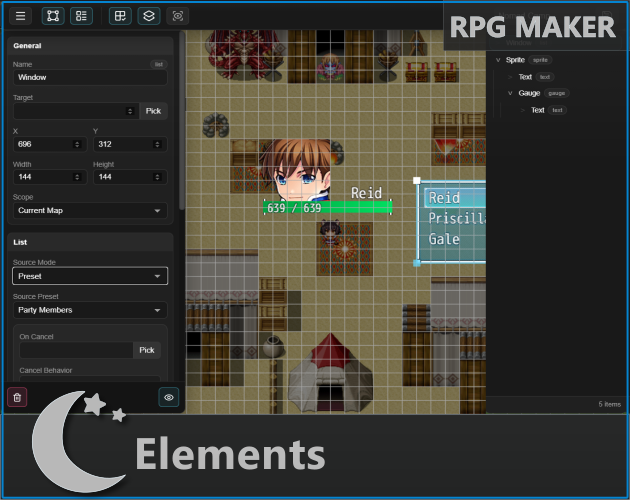
Elements is a visual UI toolset for RPG Maker MV and MZ. It allows you to create custom HUDs, menus, windows, and interactive interfaces directly inside your game without having to build every part manually through code.
Create layouts, connect them to your game data, and preview your changes while you work. Elements is designed to give you more control over your game's interface while keeping the process approachable and flexible.
The Elements Editor
The editor includes a dedicated viewport where you can zoom and pan around your game canvas while creating your layouts. Docked panels, customizable themes, grid settings, snapping, and editor preferences help make the workflow more comfortable.
- Visual layout editing with selection, movement, resizing, and positioning tools.
- Customizable viewport and grid with zoom, snapping, color, size, and opacity controls.
- Undo and redo support with keyboard shortcuts for common editing actions.
- Light and dark editor themes with settings saved between sessions.
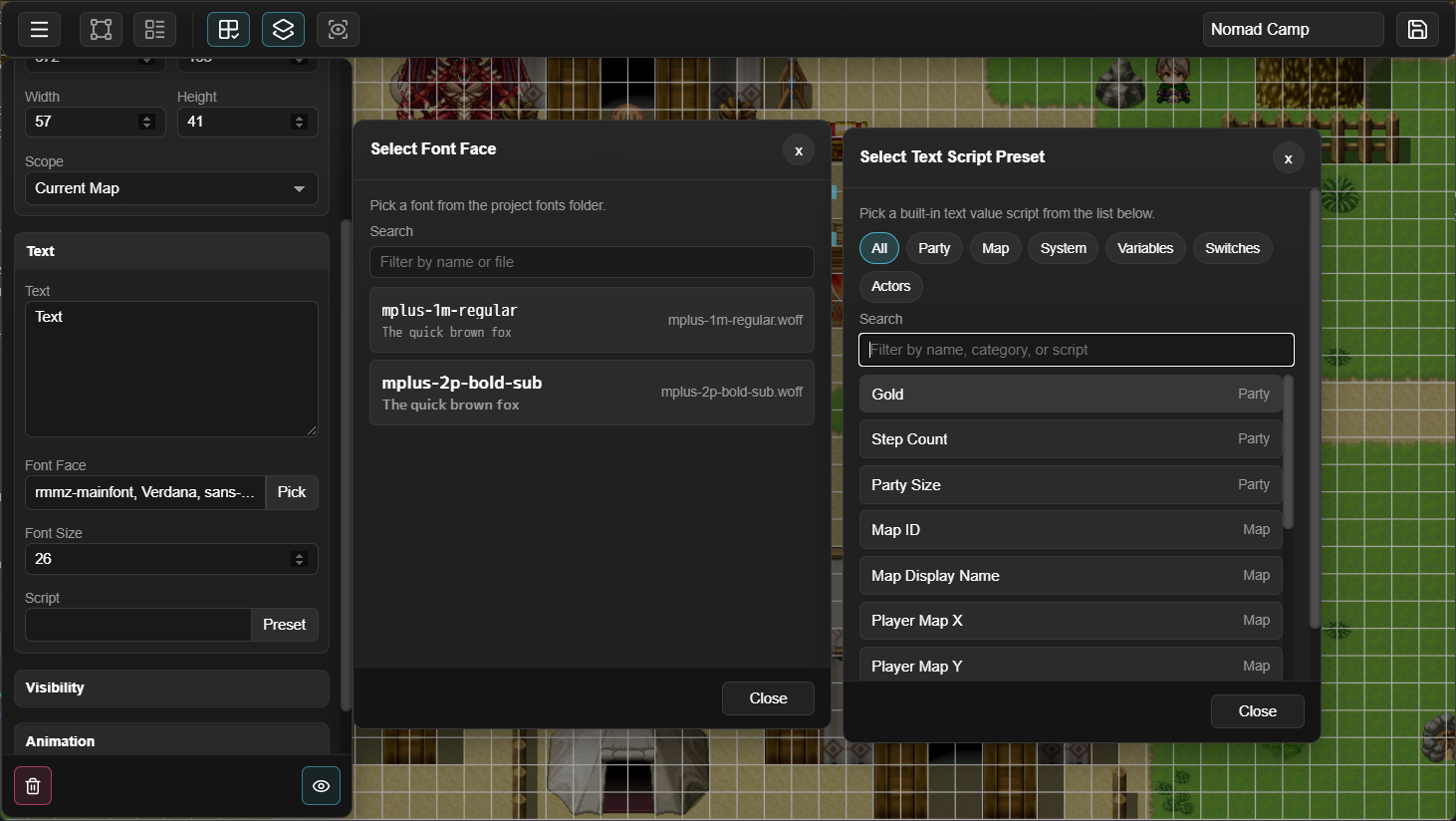
- Project data pickers for working with actors, items, variables, switches, and other RPG Maker data.
- Presets and action chains for creating more dynamic and reusable interfaces.
- Context menus and editor tools for quickly accessing common editing actions.
What Can You Create?
Elements can be used to build many different kinds of interfaces, including:
- Custom HUDs and status displays
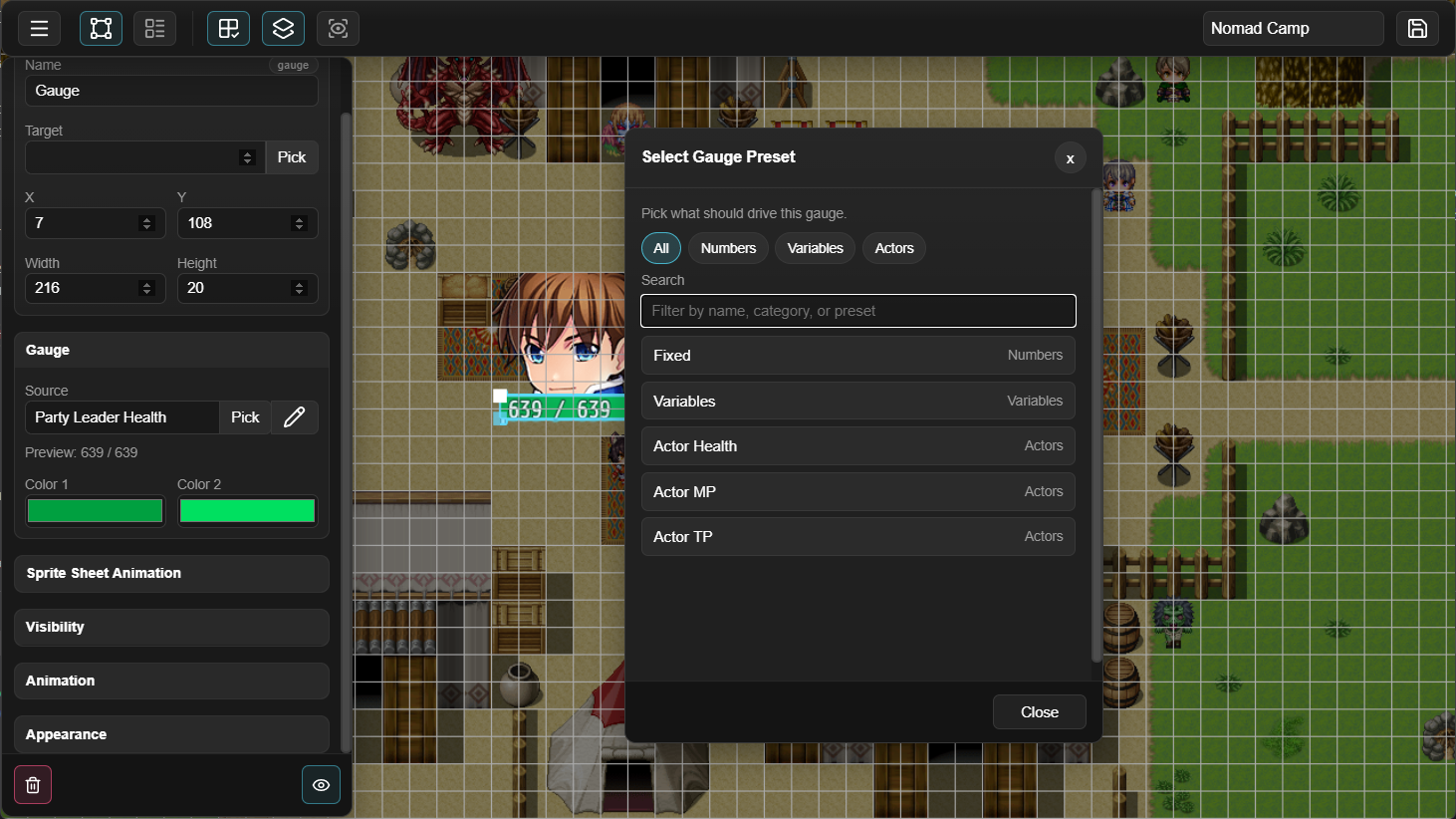
- Health, resource, and progress gauges
- Interactive buttons and windows
- Inventory and shop interfaces
- Quest and objective displays
- Character, skill, and equipment screens
- Scrollable lists and menu layouts
- Custom overlays and in-game panels
Elements can connect UI elements to game data and actions, allowing interfaces to respond to variables, switches, actors, items, events, and other systems in your game.
Compatibility
- RPG Maker MV
- RPG Maker MZ
- Windows, macOS, and Linux
- Mouse and keyboard support
- Gamepad support for HUDs created with Elements
- Tested alongside VisuStella free plugins
The editor is currently designed for mouse and keyboard use. Mobile editor support has not been fully tested.
Development Status
Elements is an ongoing project, and development is continuing with a focus on improving the editor, expanding the available elements and presets, and making the workflow more reliable.
Updates will continue to include new features, bug fixes, compatibility improvements, and general polish. Feedback and suggestions are always welcome, especially from developers using Elements in their own projects.
If you run into a problem or have an idea for a feature, you can join the Discord community or contact me through Patreon.
Other Plugins by LTN Games
Elements is part of an ongoing collection of RPG Maker plugins created by LTN Games. You can find some of the other plugins below.
Purchase
In order to download this tool you must purchase it at or above the minimum price of $29.99 USD. You will get access to the following files:
Development log
- v0.4.0 - A More Comfortable Way to Build51 days ago
- v0.3.1 - Hotfixes!78 days ago
- v0.3.0 - Major Editor Overhaul!78 days ago
- Status on Updates?Jun 04, 2025
- v0.2.0 - Color Picker and Various FixesApr 30, 2025
- Devlog – New Editor Features Incoming!Apr 09, 2025
- Behind-the-Scenes Overhaul: A Smoother Future for Elements!Mar 14, 2025
- Update on Elements Plugin DevelopmentMar 10, 2025